Cumulus
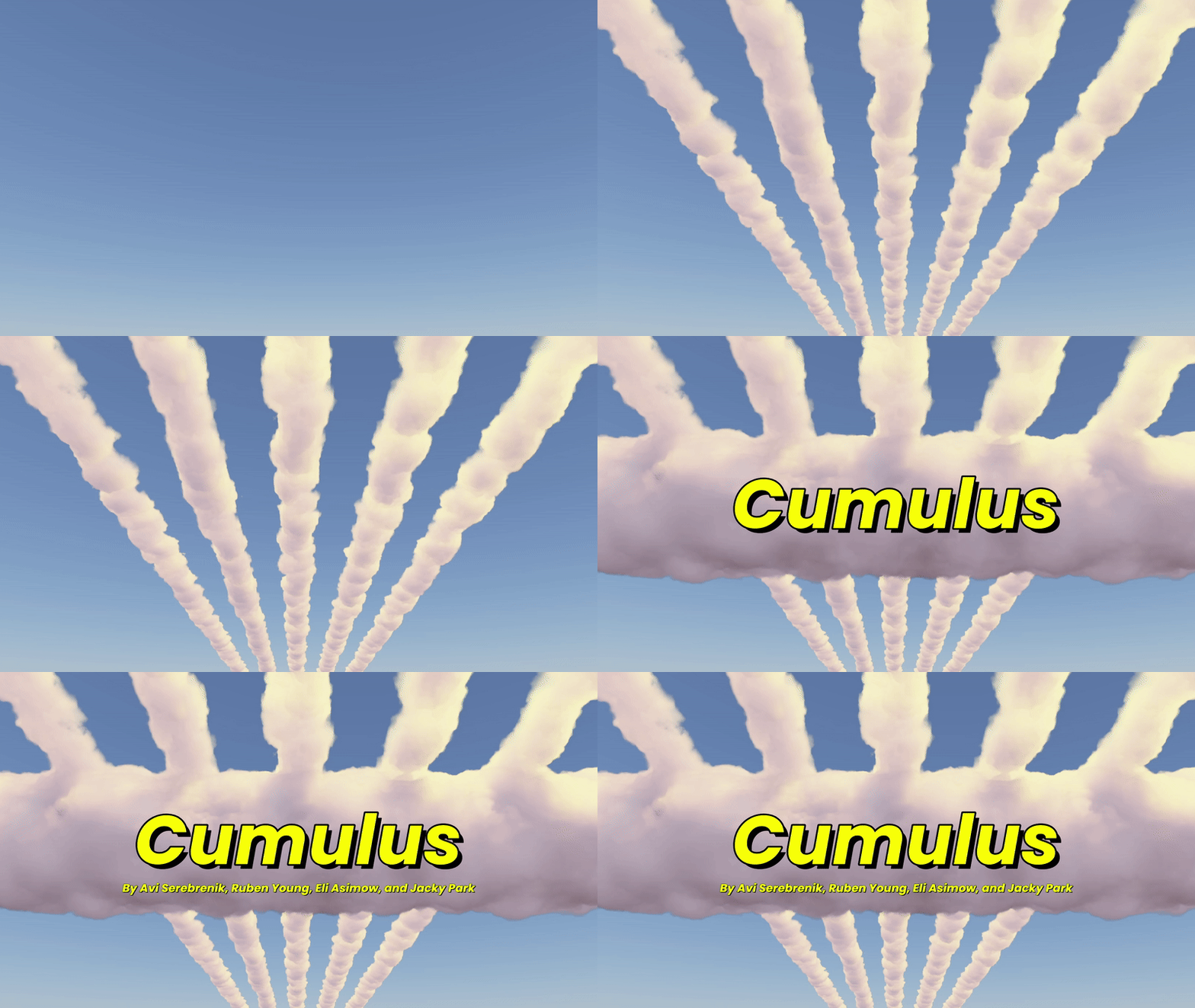
Cumulus is a real-time volumetric cloud renderer. You can fly through it, watch the sun set through it, and shoot objects into it and see the clouds part. It is a collaborative project built on Muon, a custom DirectX 12 engine, and extends the cloud architecture from Guerrilla Games' Nubis 3 paper.
The two headline numbers: the light cache cut close-cloud render time from ~20ms to ~2ms (10×), and switching from per-triangle to convex-hull collision testing dropped the cost of 30 simultaneous objects from 105ms to 9.5ms (11×).
I built the ray marching pipeline, the lighting model, and the light cache. Collision and atmosphere were implemented by my collaborator.
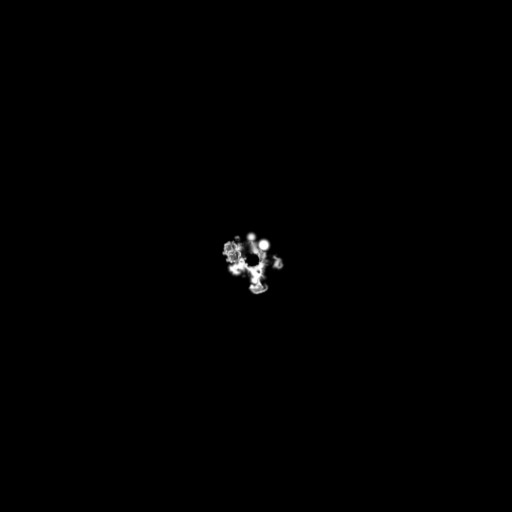
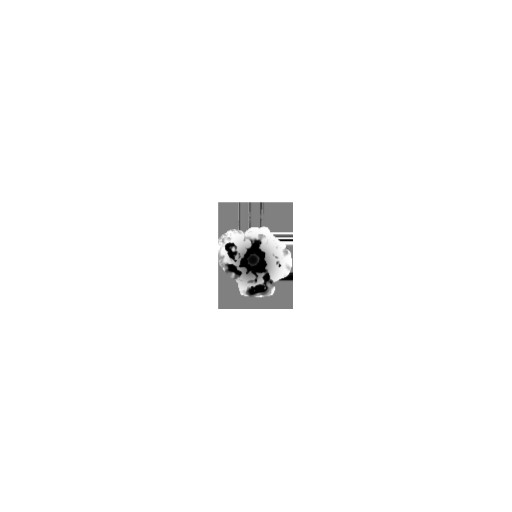
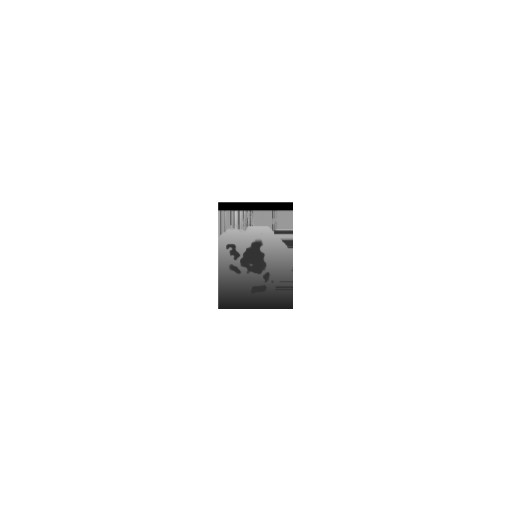
Rendering a cloud means stepping a ray through a 3D density field and accumulating how thick the cloud is at each step. The denser the field, the more the cloud blocks light and scatters color. The density field comes from two layered noise textures (large-scale cloud shape + fine-grained wispy detail), which together define the cloud's shape in 3D space.
The first performance problem I ran into: roughly 60% of samples were landing in empty air between clouds, doing nothing useful. I fixed this with a signed distance field, a precomputed texture that stores how far each point in space is from the nearest cloud boundary. Rays can read that value and skip forward to the boundary instead of stepping through empty space one increment at a time. Each ray's starting offset is also randomized per pixel to break up the banding pattern that appears at low step counts.
 SDF Field
 NVDF: Density
 NVDF: Detail Type
 NVDF: Scale
Cloud lighting has three components that each solve a different visual problem.
Direct light.Getting that bright halo around clouds when the sun is behind them (the "silver lining") requires knowing how much sunlight survives the trip through the cloud to each sample point. That transmittance comes from casting a shadow ray toward the sun and integrating absorption along it using Beer-Lambert transmittance, a standard model for how light dims as it passes through the cloud. The "silver lining" shape comes from a Henyey-Greenstein phase function, which controls which direction scattered light tends to go. Clouds scatter strongly forward, so you get a bright ring right around the light source.
Multiple scattering. Thick clouds should glow from within, not look like a dark solid blob. In reality, light bounces many times through the interior before escaping. Tracing those bounces is too expensive for real time, so I approximated it with a probability-weighted in-scattering function that reproduces the look of diffused interior light without any secondary rays.
Ambient. A simple height-based gradient: sky color from above, a ground-bounce tint from below. No extra ray casts needed.
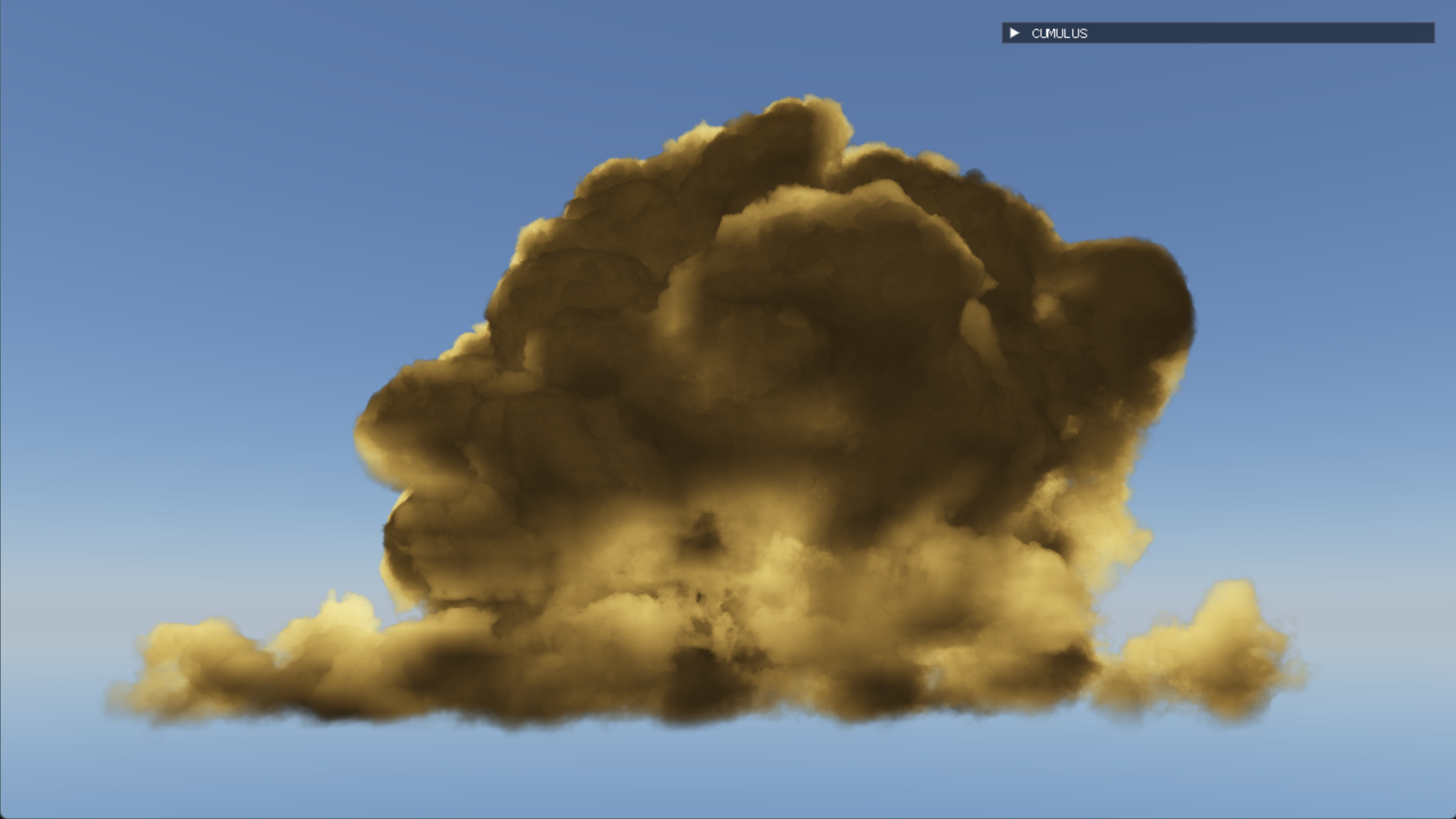 Direct Light
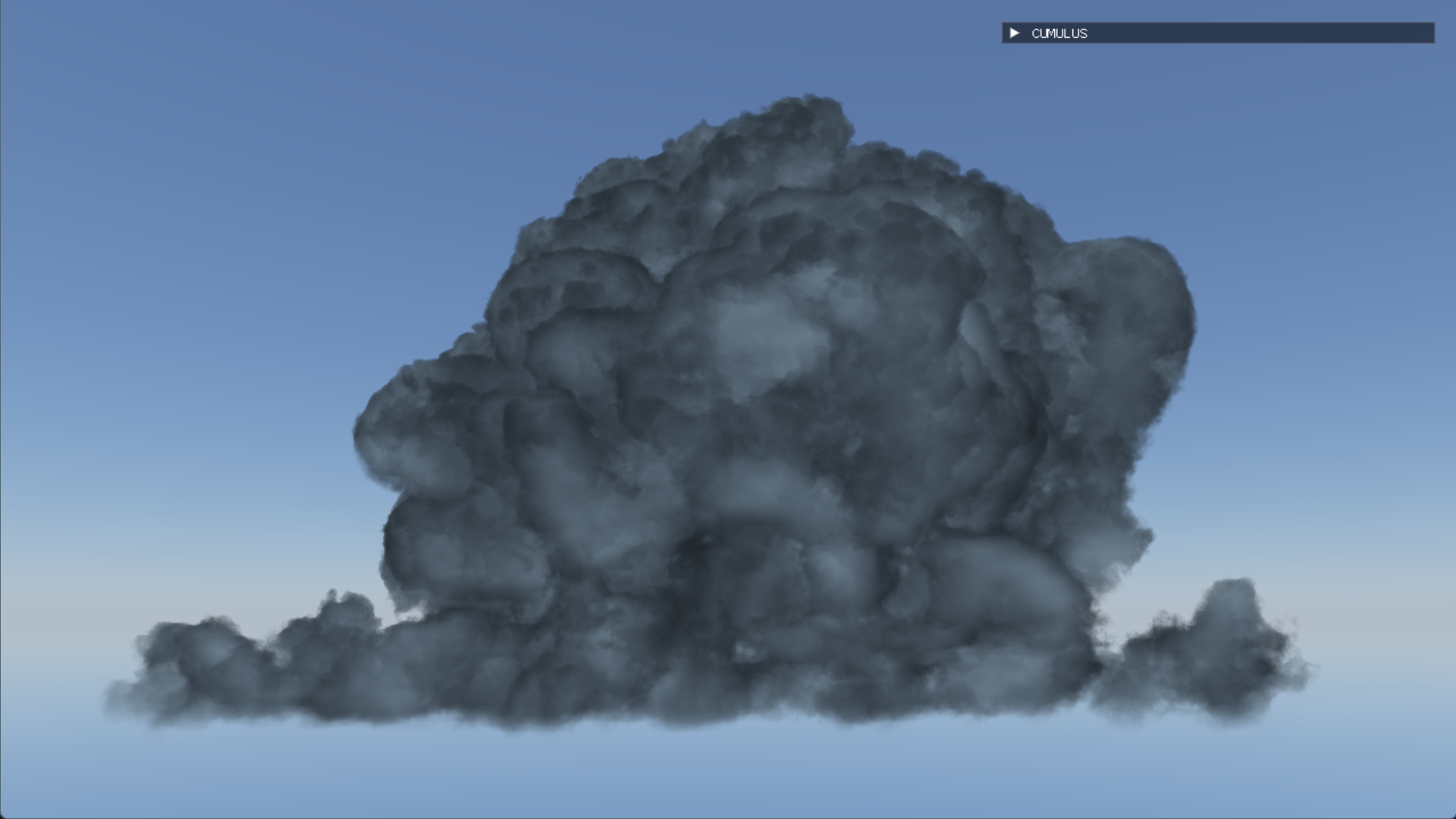 Multi-Scattering
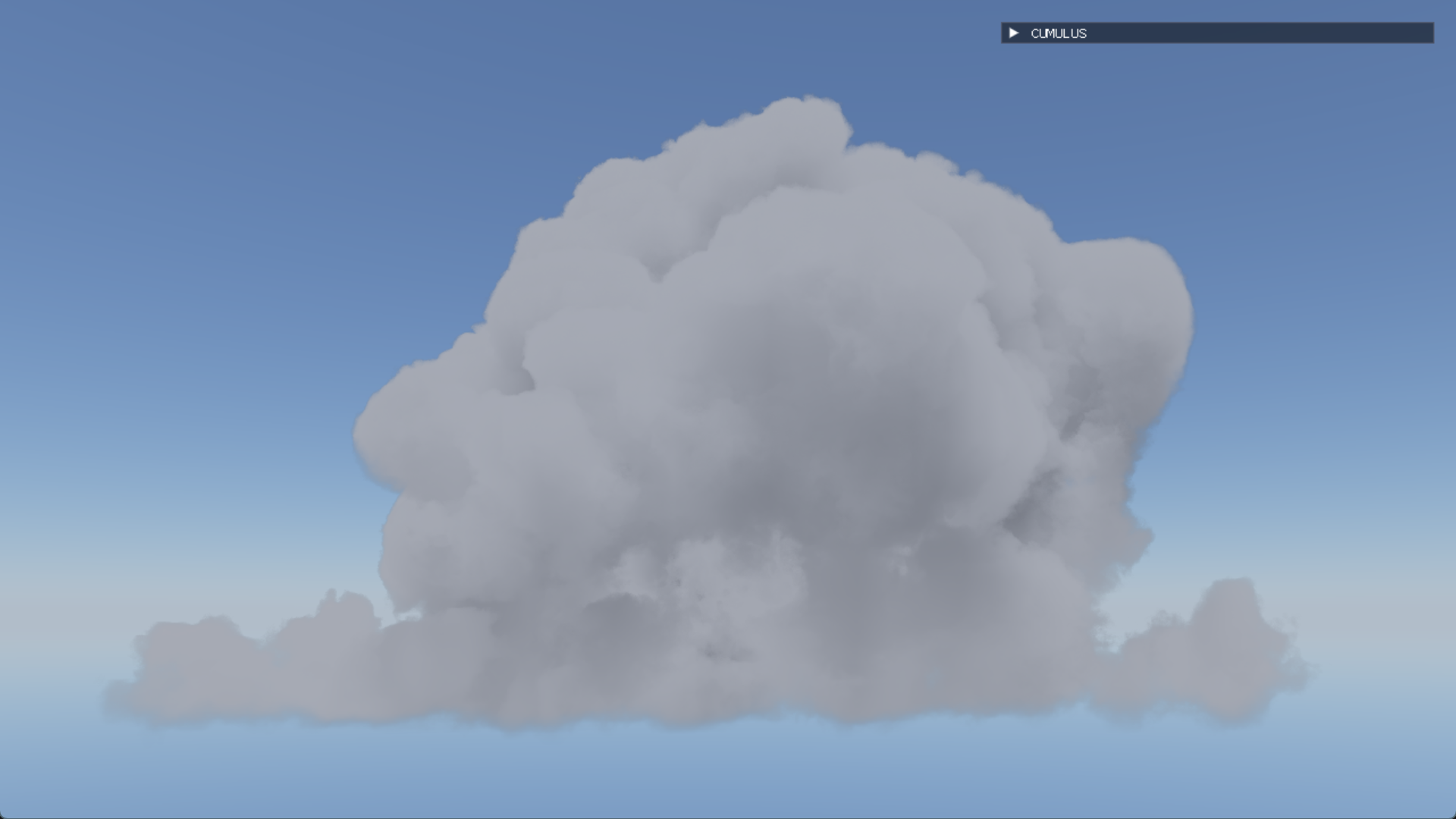 Ambient
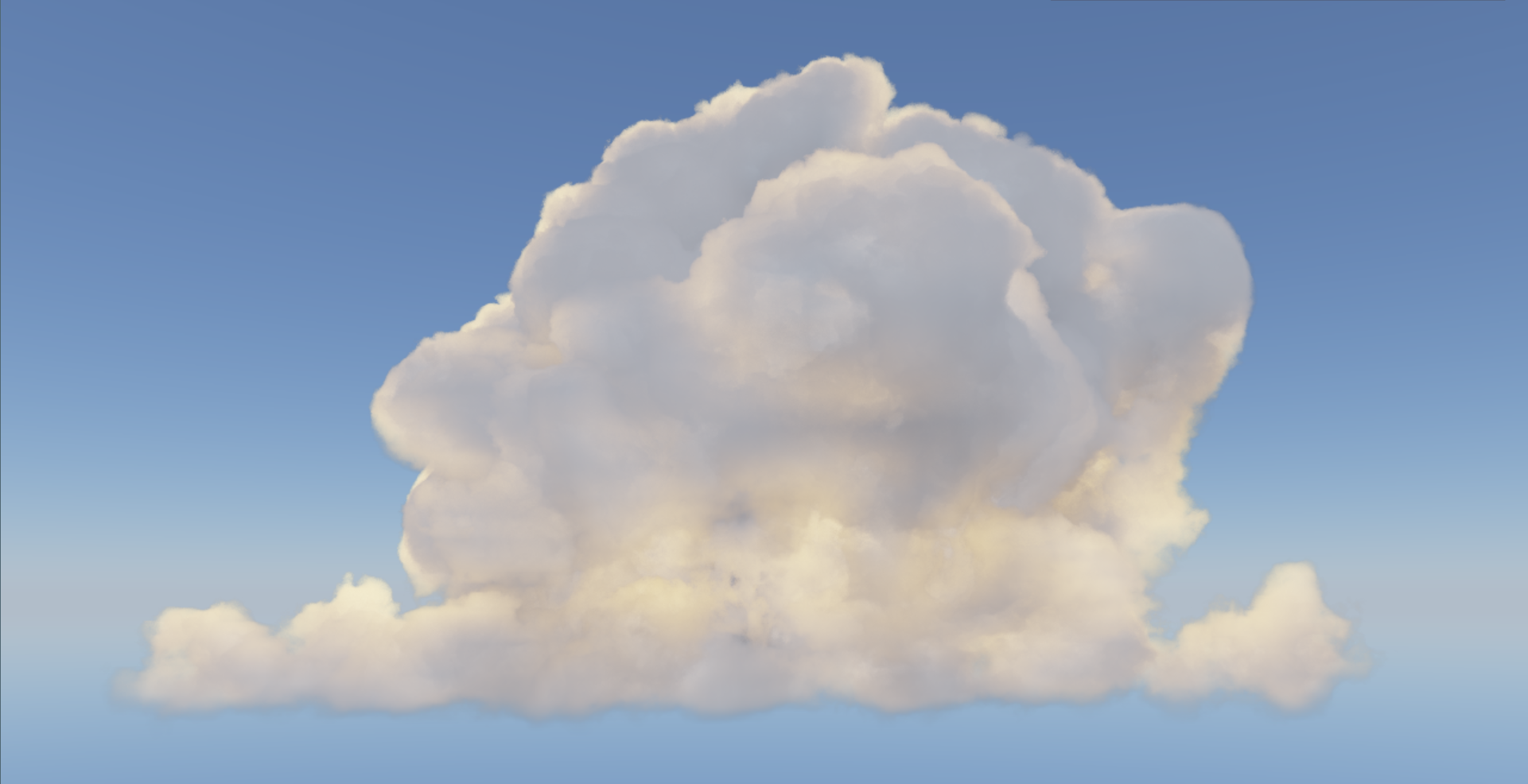 Combined
The bottleneck for close-cloud rendering was shadow integration: every sample along the primary ray needed its own ray toward the sun, and when the camera is inside the cloud, that adds up fast. Close-cloud render time was sitting at ~20ms.
The fix was to precompute. Once per frame, a separate compute pass sweeps through the cloud volume column by column and integrates the sun-to-cloud transmittance for each column, storing the result in a texture. The main ray march then replaces every shadow integration with a single texture lookup. Close-cloud time dropped to ~2ms, a 10× reduction. The tradeoff is one frame of lighting lag: if the sun moves, the cached values are one frame behind. In practice it's imperceptible.
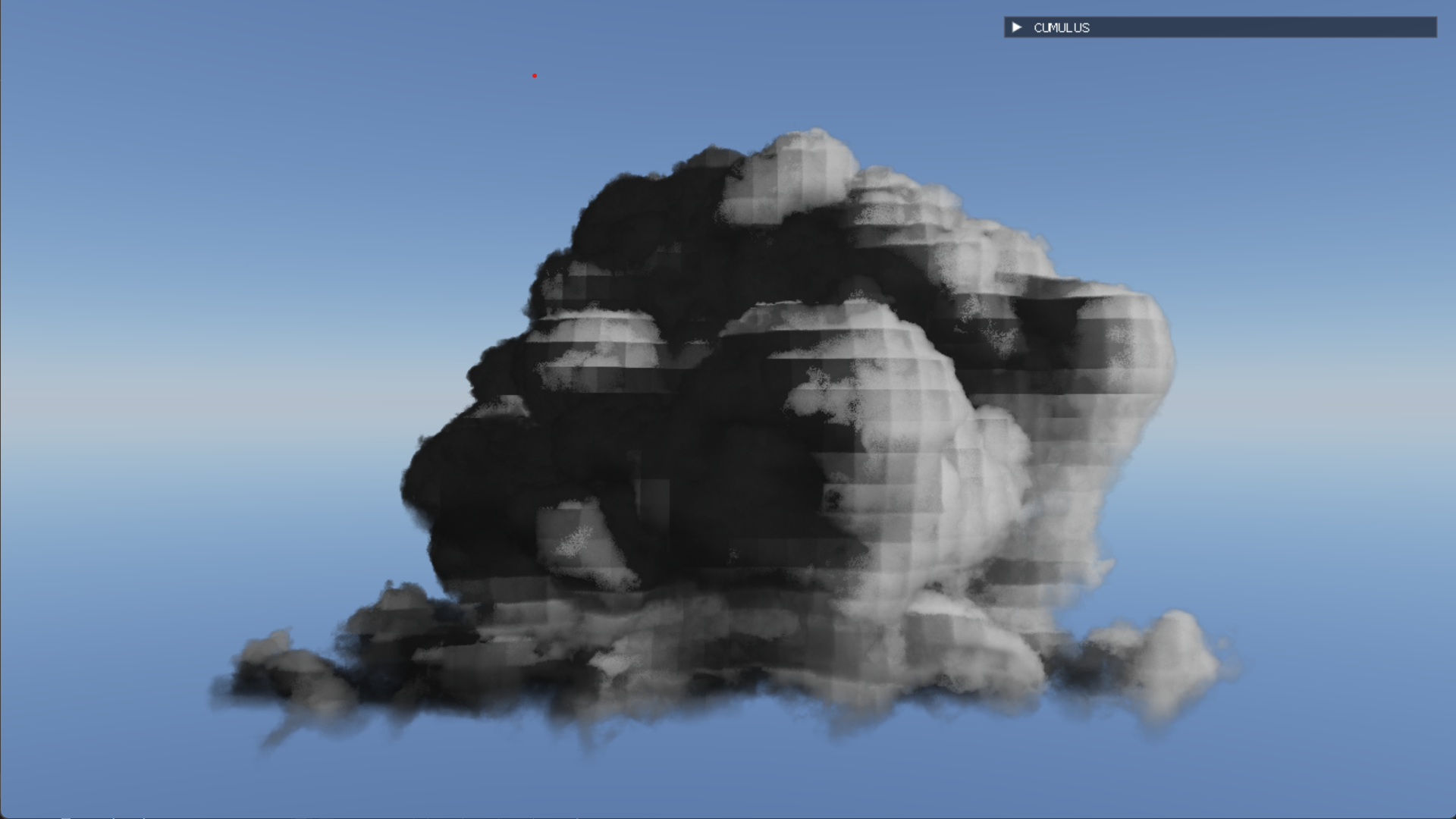
Cached light volume visualization
When an object flies through a cloud, the cloud parts around it, displacing density where the object overlaps the volume. The naive approach is to test each cloud sample ray against every triangle of the mesh. With 30 objects in the scene that was 105.5ms per frame, far too slow.
The fix was to wrap each mesh in a convex hull, a simplified outer shell, and test against that instead of the individual triangles. Cloud volumes are already coarse and noisy, so you can't tell the difference from an exact mesh test. That dropped the 30-object frame cost to 9.5ms, an 11× speedup.
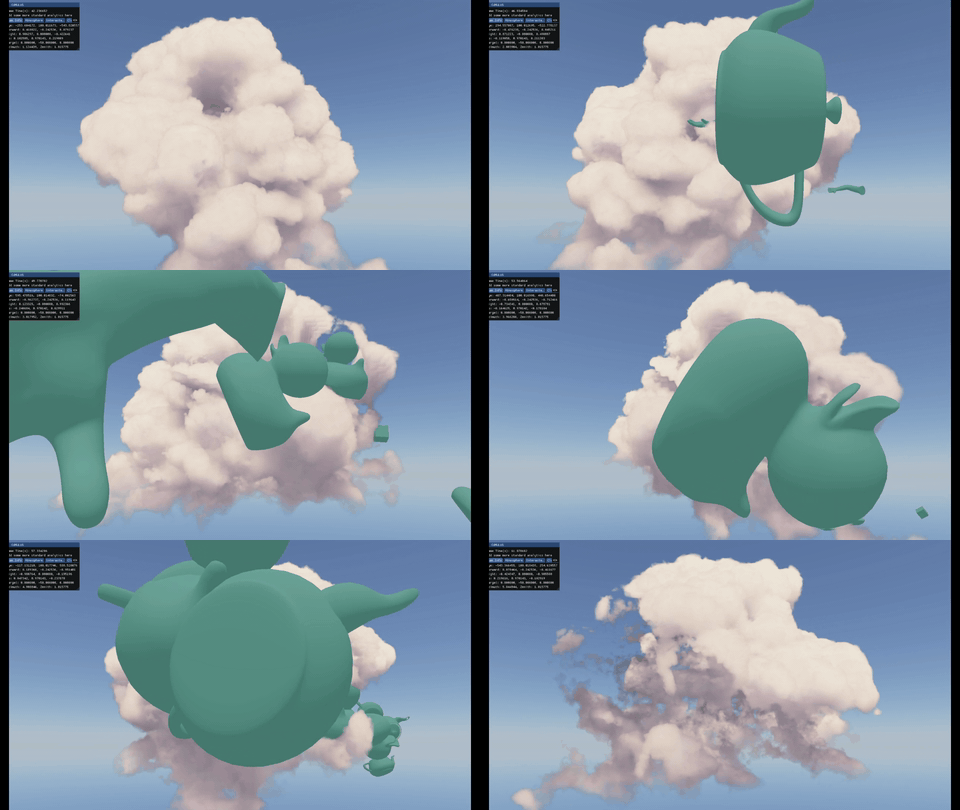 Cloud destruction
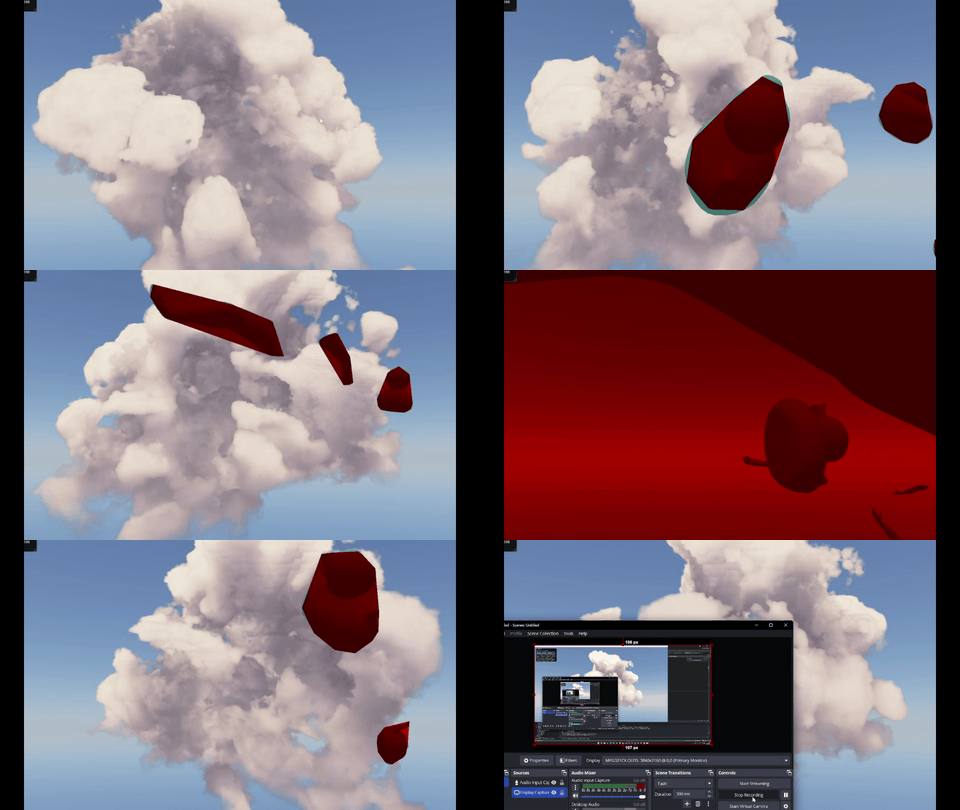 Convex hull
Getting the sky to shift from orange at sunrise through deep blue at noon to violet at sunset, and having the clouds respond consistently to all of that, is harder than it looks if you compute atmospheric physics from scratch every frame. The atmosphere pass uses Eric Bruneton's precomputed atmospheric scattering model: rather than simulating the physics at runtime, he pre-baked the sky's appearance for every possible sun angle into a set of textures that are loaded at startup.
The key is that the same sun direction drives the sky color, the cloud direct lighting, and the ambient gradient all at once. Everything shifts together, so a sunset looks like a sunset rather than a sky that changed color while the clouds didn't.
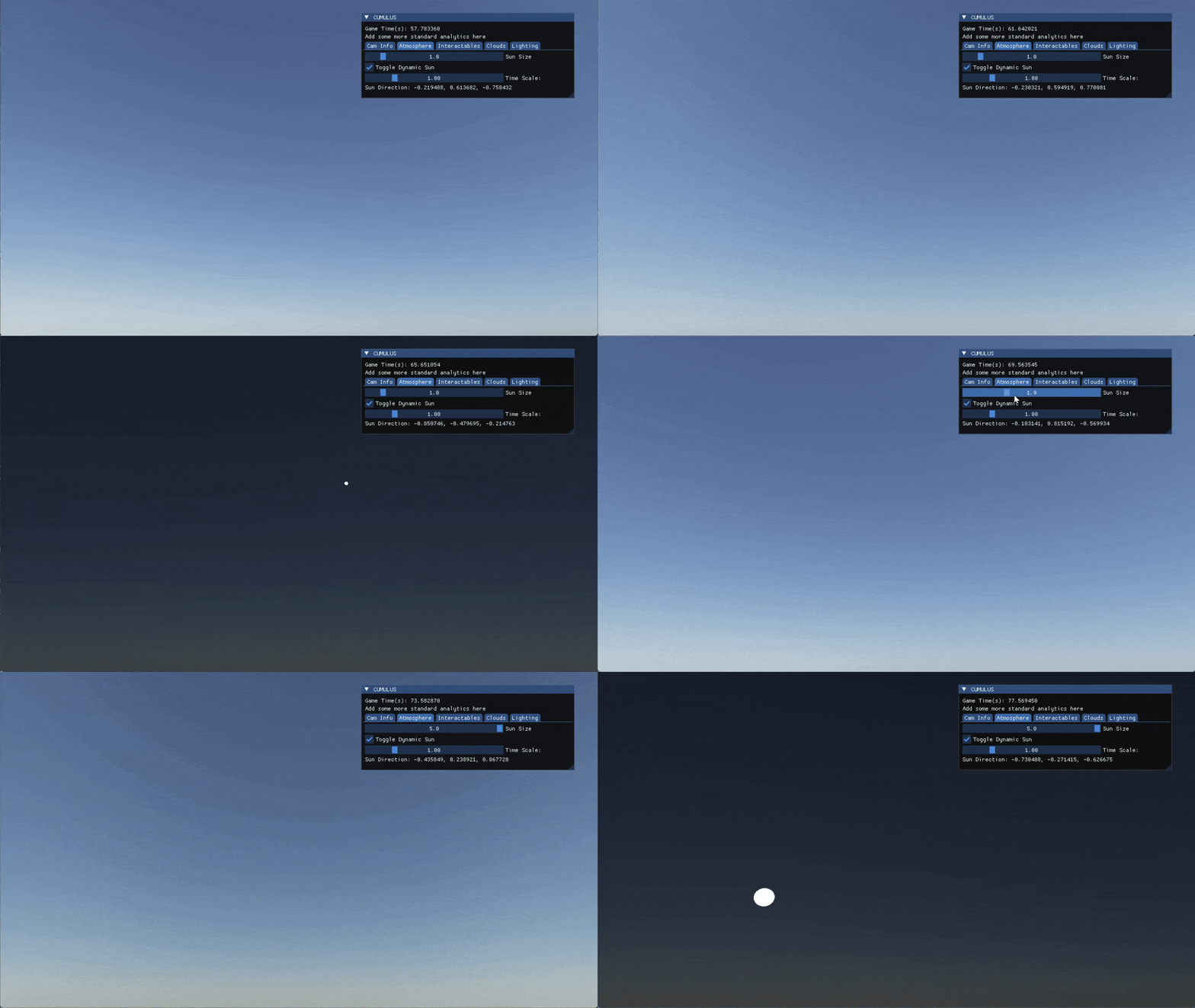
Sunrise → day → sunset → night
| Scenario | Light Cache | Ray March |
|---|---|---|
| Far cloud | 1.62 ms | 2.1 ms |
| Close cloud | 2.21 ms | 20.8 ms |
| On the edge | 1.50 ms | 20.3 ms |
| Inside cloud | 1.77 ms | 9.62 ms |
| Object Count | Hull | Naive |
|---|---|---|
| 0 | 2.20 ms | 2.11 ms |
| 5 | 3.31 ms | 30.8 ms |
| 30 | 9.50 ms | 105.5 ms |
| 60 | 20.32 ms | 180.1 ms |